

What it looks like
Ask, and a working screen shows up in your product.
It asks before it writes anything, then acts as you.
Screens that stay
Ask for something to look at and the agent writes a screen instead of describing one. It is a real React component running on live data from your own API, in your fonts, colors, and radii. The screen can stay. Put a slot in one of your pages and every finished screen grows a button that puts it there. Press it and the screen holds that spot, re-running on every open, so it opens on today’s numbers.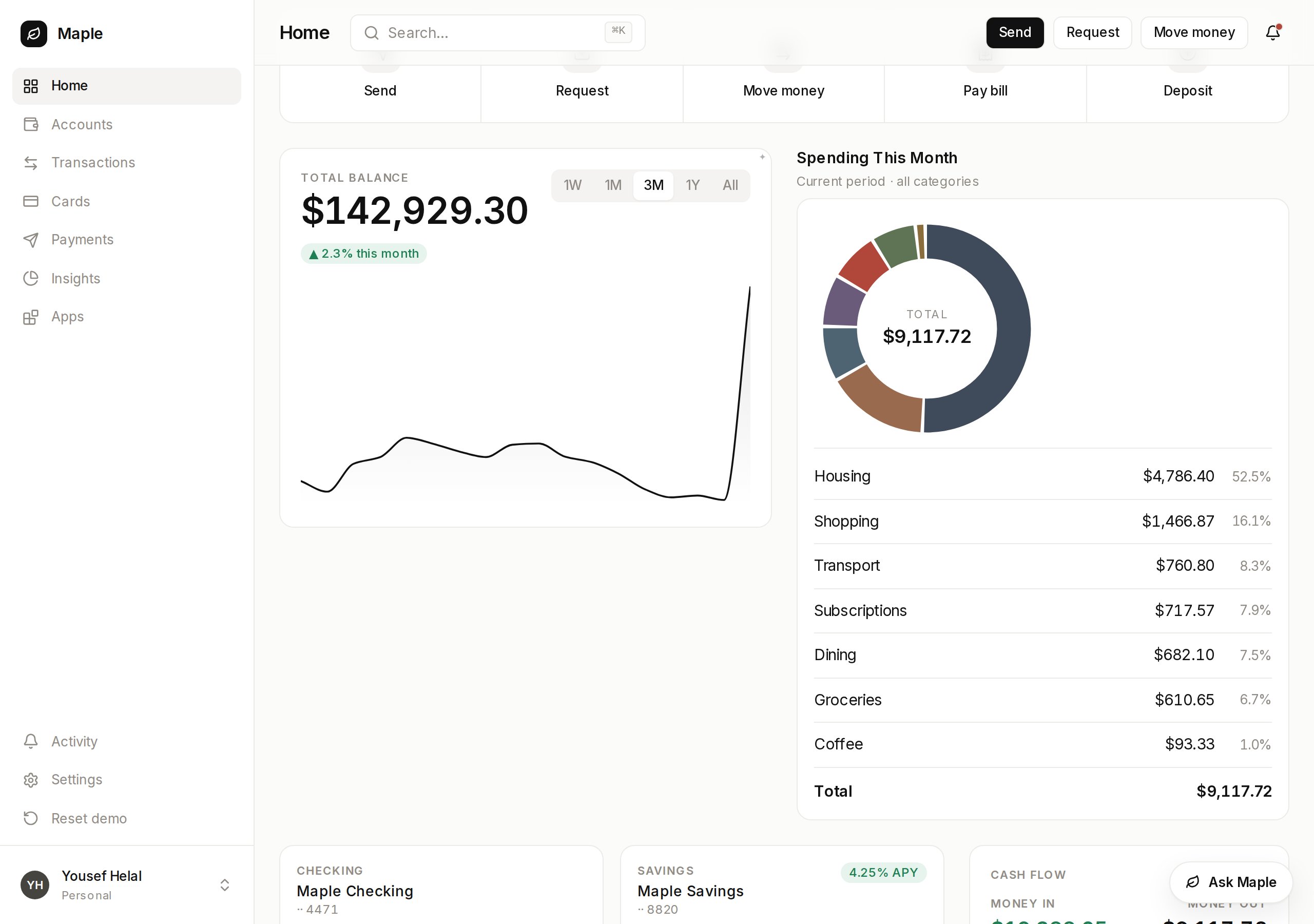
Maple's own overview page. The spending card is the one a user asked for.
vendo init reads your brand out of your app into .vendo/theme.json. Register
your own components and a screen renders your real UI, not the built-in kit.
What they build from
Whatever a user builds is made of these three things.
Your API
One command reads your OpenAPI, tRPC, server actions, or routes and writes
the tool set everything runs on.API tools →

Their accounts
Each user connects their own Gmail, Slack, or GitHub once, and later calls
run as them.Connected accounts →

On a schedule
A user says when, and the same tools fire on a cron or an event.Automations →
It acts as the signed-in user
Every call runs inside your process, through your routes and your auth, carrying the asking user’s own identity. Vendo’s servers never call your API. The agent’s hands are a fixed set, and a user can build only what they could already do by clicking. Reads go through. Writes and deletes stop and ask, quoting the exact request rather than the tool’s name, and every call writes an audit line either way.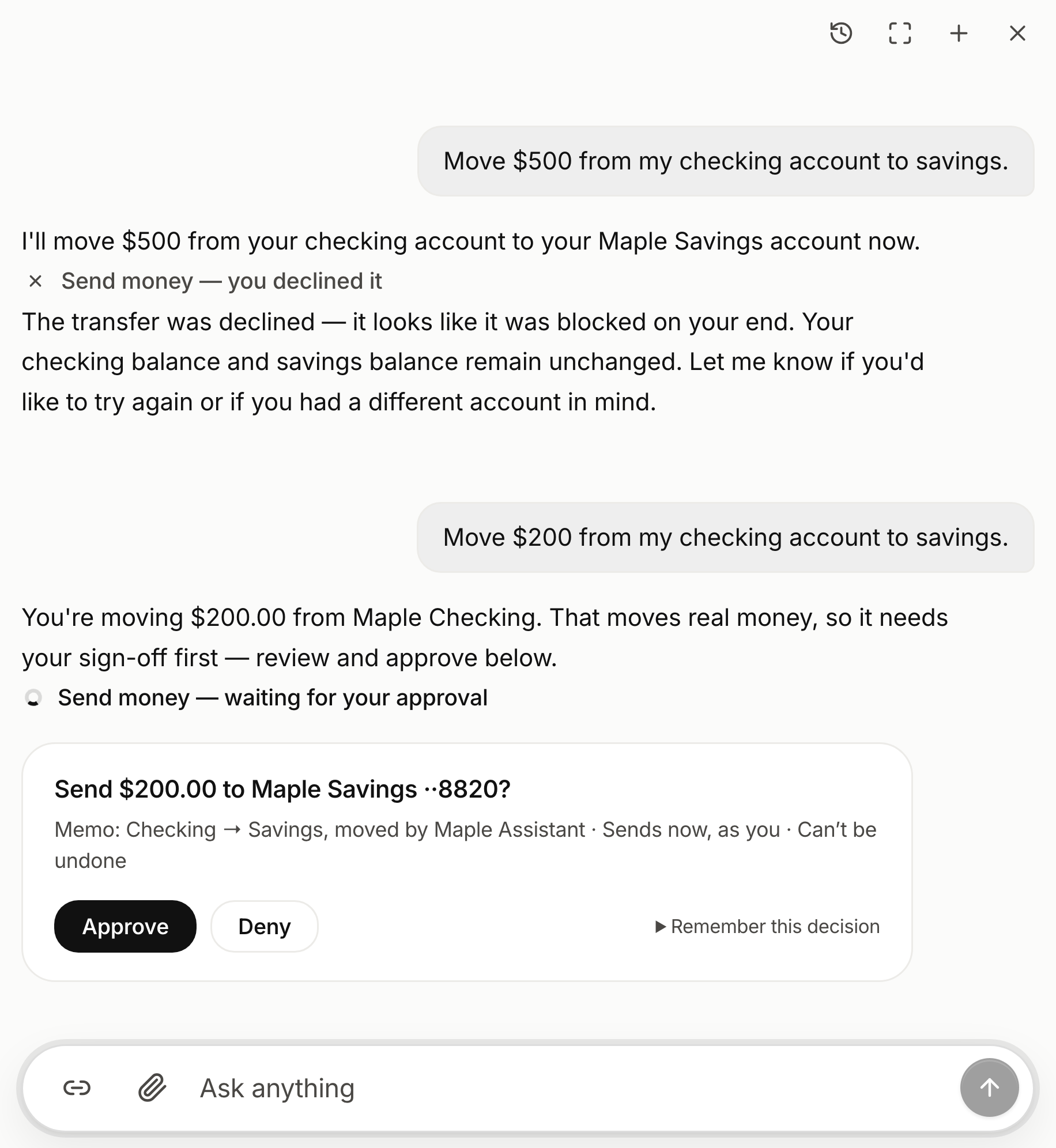
The ask names the exact request. Every call keeps its own line, approved or not.
Start where you are
The embedded surface is the step after that, andvendo init asks which of
these you are doing and wires that one.
Vendo's Full-Stack Agent
Vendo runs the loop and renders screens in your brand.
<VendoProvider>Quickstart →
In your existing agent
Keep your loop. Vendo adds tools and renders the result.
vendoTools(vendo)Quickstart →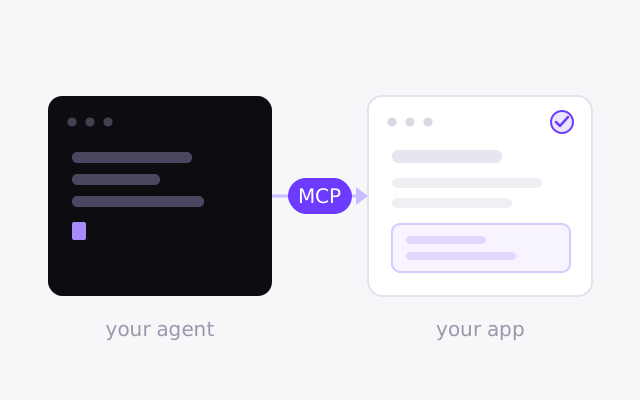
From outside agents
Your own agent, acting as the signed-in user.
createVendo({ mcp: true })Quickstart →